A calmer way to browse
Pause before
the scroll
takes over.
Set a focus budget. When time’s up, solve a quick puzzle or save the page for later.
A gentler guardrail for
the feeds that pull you in
- TikTok
- YouTube Shorts
- Custom sites
Break the loop
A pause is
often all you need.
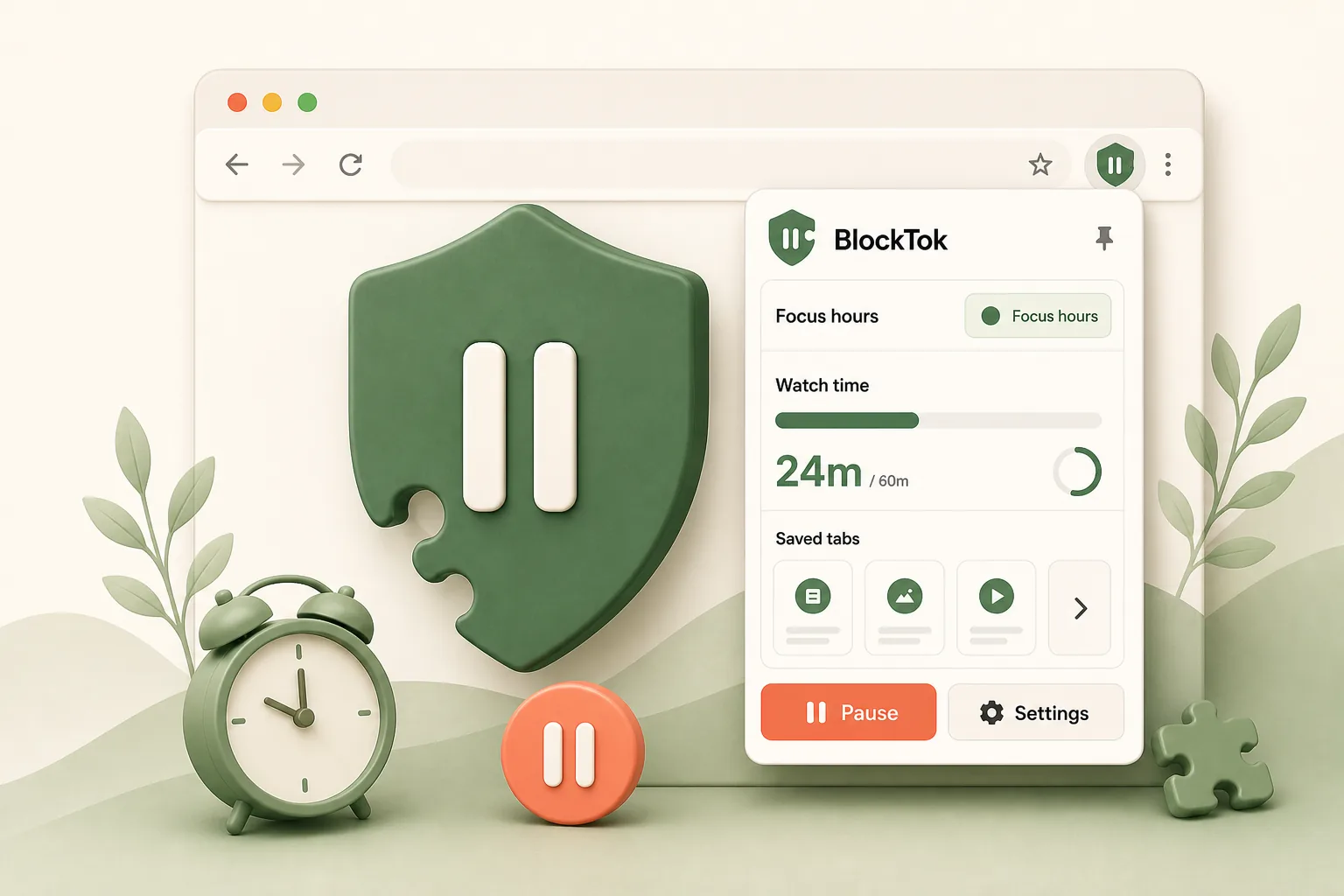
BlockTok adds a gentle pause to mindless scrolling, so you can stay in control, on your terms.
-
Set your
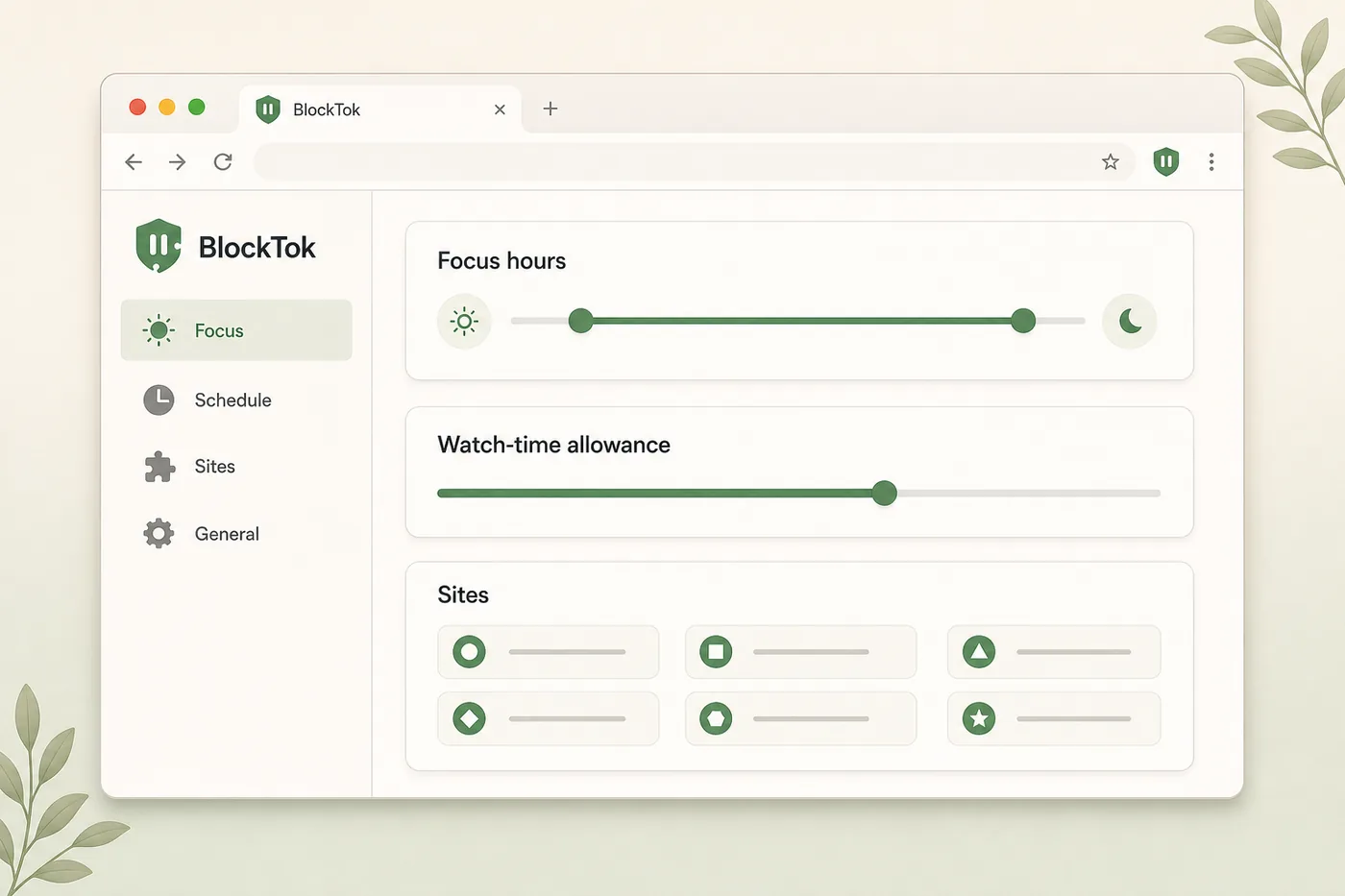
focus budgetChoose your hours and a rolling 3-hour watch time budget.
-

Pause
the loopWhen time’s up, BlockTok gently pauses the site for you.
-
Choose what
happens nextSolve a quick puzzle to earn more time or save it for later.
Guardrails
that fit your day.
- Choose your hours
- Set a rolling 3-hour budget
- Block only the feeds you choose
How it works
-
01
Set your boundaries
Pick your hours, set a budget, and choose your sites.
-
02
Browse as usual
Enjoy the content you love, within your limits.
-
03
Pause, solve, or save
When time’s up, solve a puzzle or save it for later.
-
A quick puzzle,
not a hard wallSolve a short puzzle to earn a little more time.
-
Save it for later
Bookmark the page and come back when it really counts.
-
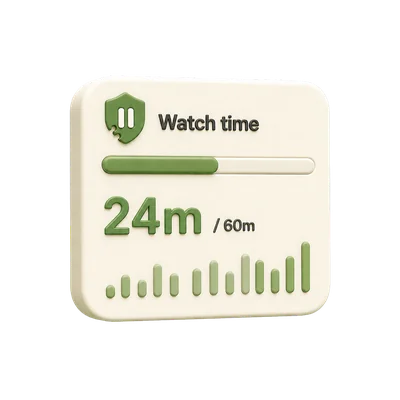
See your
focus budgetTrack your progress and stay aware, not ashamed.
-
Pause whenever
you wantHit pause any time to reset and reflect.
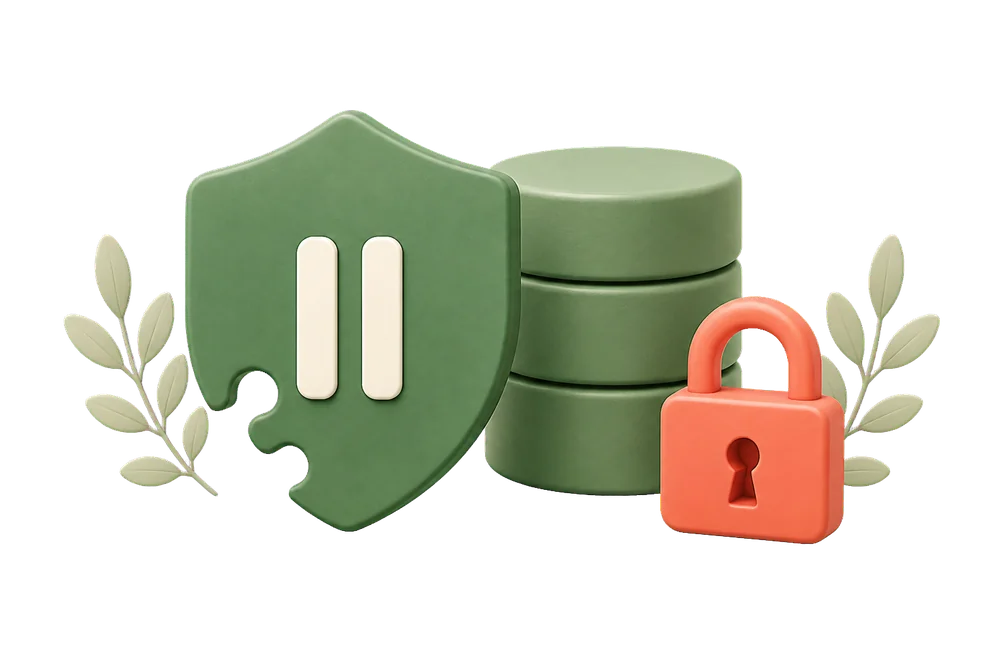
Your focus stays
on your device.
- No account
- No tracking
- No cloud history
Built for focus,
not guilt.
A little scrolling is fine. BlockTok simply helps keep it from taking over.
Make room for
what matters.
Start with a few gentle guardrails. Adjust anytime.
Add BlockTok to Chrome for free